The 2026 Toyota RAV4 infotainment system gave us a welcome surprise during the original first drive: getting a phone connected was much easier. We also explored its home-screen widgets, shortcut menu and new built-in features.
Adapted from Cory Casciato’s PUTT report published October 24, 2025. This edition preserves the original driving impressions and clarifies connected-service requirements and camera operation. Features described are based on the tested RAV4 and may vary by equipment.
Easier phone pairing, with a connected-services caveat
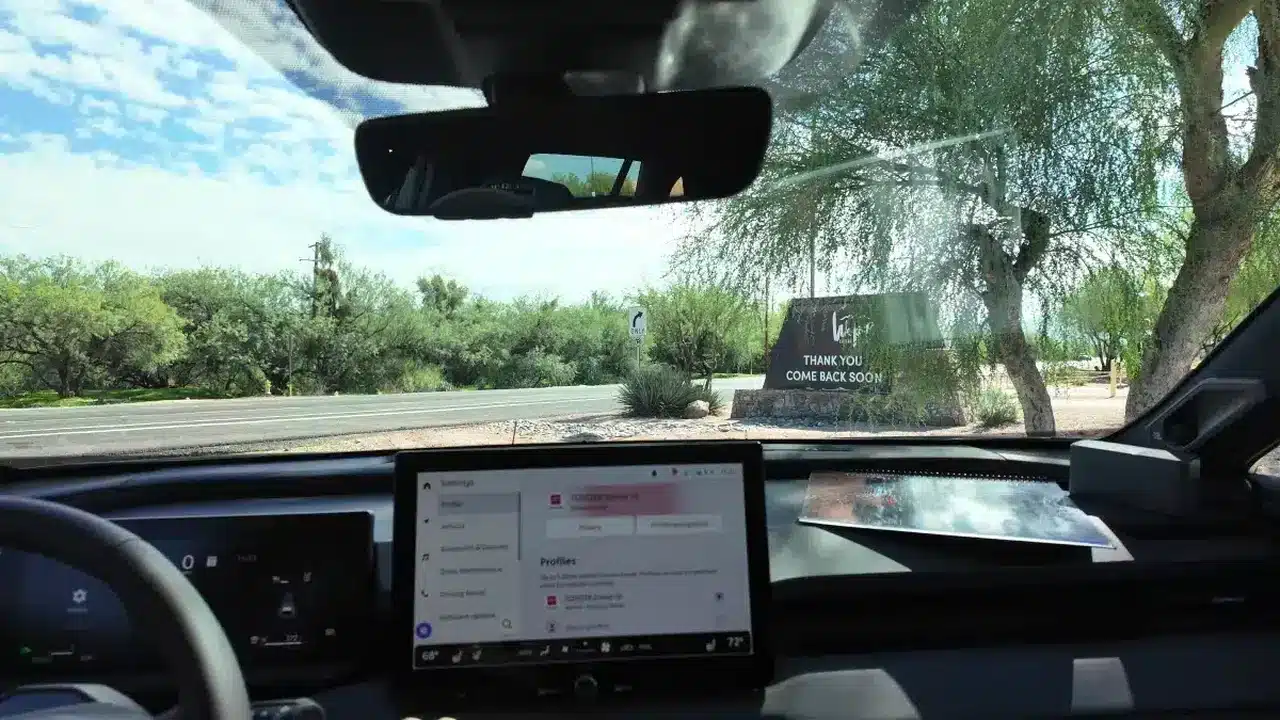
Our biggest question during the original RAV4 first drive was whether Toyota had simplified the previous system’s frustrating setup. In our test, pairing a phone was straightforward, without the account and email-verification detour that had frustrated us before. That observation applies to phone pairing; it does not mean every Toyota connected service works without an account.
Once you’re paired, you can control your phone via Android Auto or Apple CarPlay. You can also access it via a simplified bluetooth interface, if you like to do it old school. You can access select apps on your phone, as determined by what each platform makes available. I was able to easily control my podcast app and VLC, a popular free media player, and if you need to access an app that isn’t supported, the audio will still come through the car’s sound system if you access the app directly via your phone. This can be useful for listening to music and podcasts on YouTube, for example — just be safe, of course (maybe have your passenger cue those up…).
For example, SiriusXM’s Toyota support page says the full 360L streaming experience requires Toyota app setup, vehicle activation, consent and the relevant data-sharing settings. Check the requirements for the services you want before assuming the initial Bluetooth connection has enabled everything.
Built-in services and the Drive Recorder
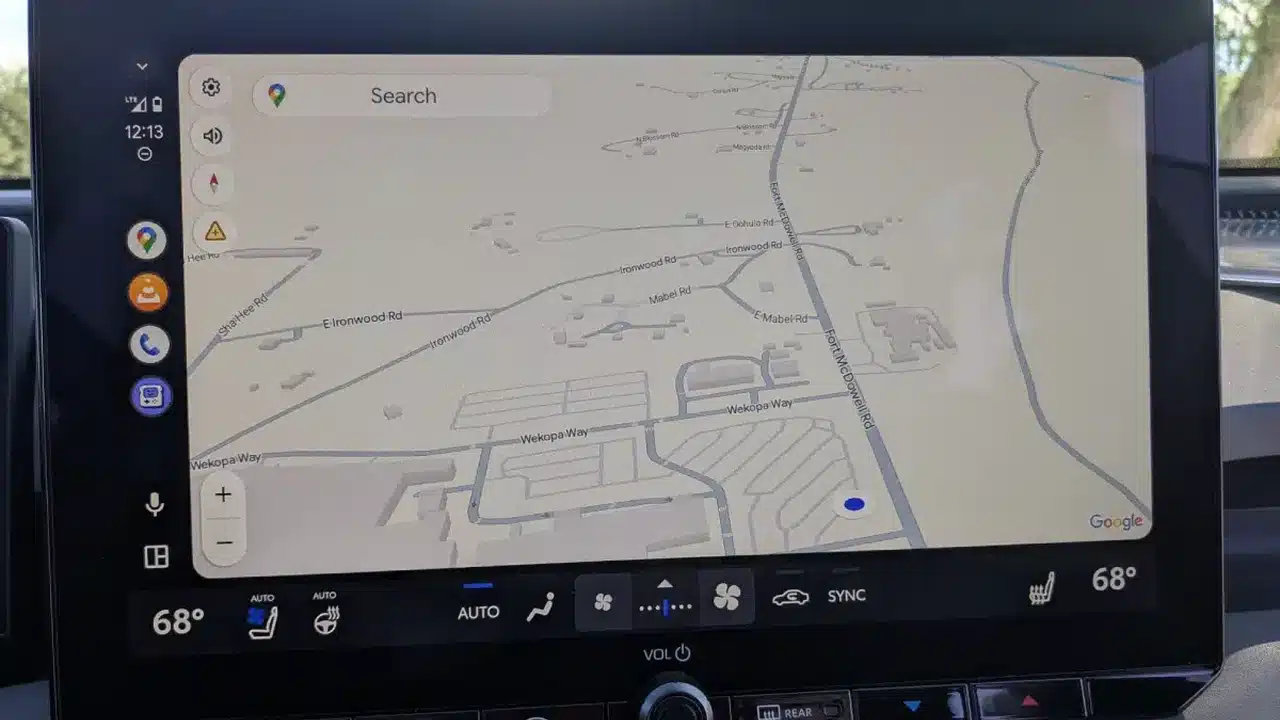
Outside your phone, the system offers built-in entertainment and navigation options. They are distinct from apps projected through Apple CarPlay or Android Auto, as pictured above. Features such as cloud navigation and streaming can depend on active trials, subscriptions and connectivity. SiriusXM with 360L combines satellite radio with streaming and on-demand content; archived shows should not be described as a satellite-only feature.
One of the most interesting additions is Drive Recorder. Toyota describes a built-in system that uses exterior cameras to save manually requested and triggered clips, with playback on the touchscreen and USB export. Check the operating settings and equipped cameras for your vehicle; “built-in” should not be read as a promise of continuous parking surveillance.
The audio system comes in two configurations, a base setup with six speakers, and a premium nine-speaker JBL system with a built in sub and amplifier. The JBL system also offers additional audio customization options, like more bands on the built in graphic EQ. We also compared the two in our RAV4 standard-audio versus JBL listening test.
A home screen you can arrange around your routine
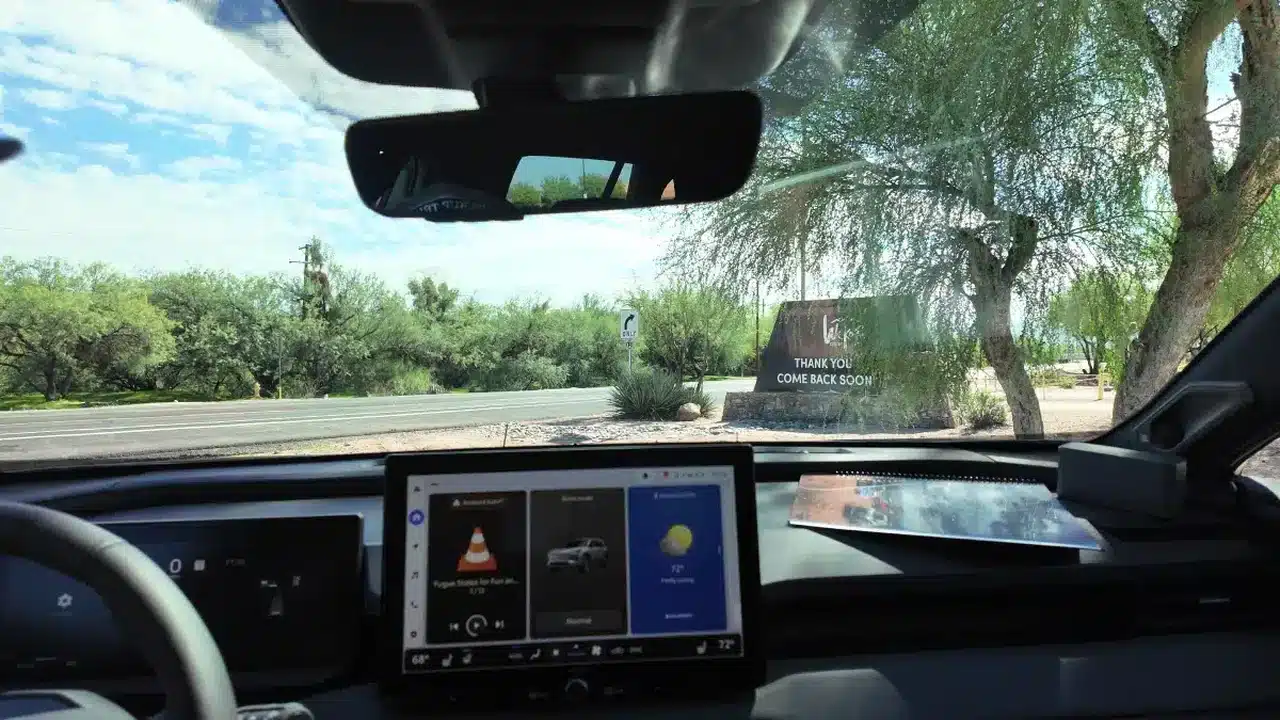
The home screen is customizable, with a multitile system that shows 3 app tiles on adjacent screens, switchable with a swipe. The navigation tile takes two spots (you just need a little more space to display navigation info, I suppose) but otherwise the setup is fully customizable, putting the tiles you use the most on the first screen.
The system also gathers a wide range of vehicle settings in one place. On the test vehicle, that included driver-assistance notifications and convenience settings. The exact options depend on the trim and equipment, so use the menus and owner’s manual for your RAV4 rather than expecting every demonstrated feature on every version.
Shortcuts and physical controls make daily use easier
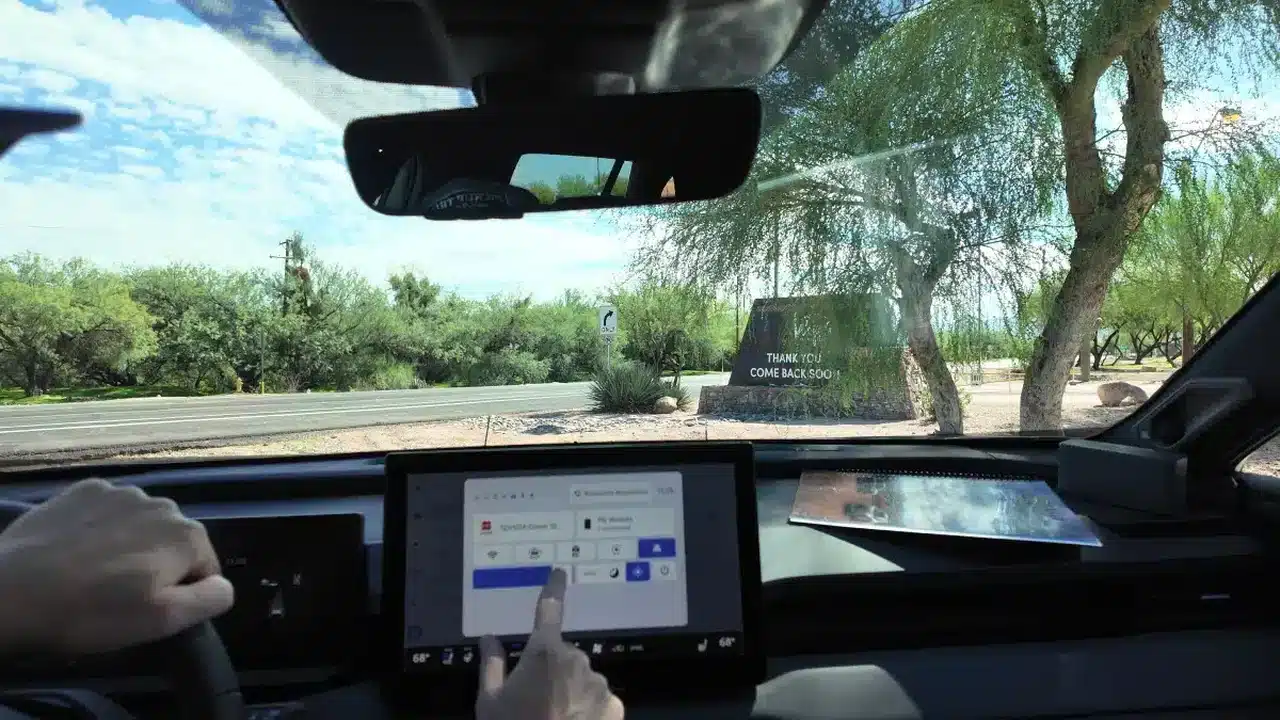
There’s also a handy shortcut menu available at the top right that offers the most-accessed features in one place. Activate with a quick touch on it in the upper right of the screen, and you’ll be able to access light/dark modes, save a dash cam clip, select driving modes, and more with just a single touch. Climate controls get real buttons and knobs for core functions, with an additional layer of features a menu layer deep in the infotainment system.
Toyota says the platform remains based on Automotive Grade Linux and supports continued development, including over-the-air updates. That makes updates possible, but it is not a guarantee that any particular requested feature will be added.
Overall, our first-drive impression was that the system looked good and was intuitive to use. Easier phone setup was the biggest practical improvement. Connected-service requirements remain a separate consideration, especially once any included trial expires.
(Editor’s note: Toyota USA paid for our air travel, hotel, and provided meals as part of this first drive event.)